Shrinkage compensation
Quick answer
To hit 100.0 mm in ABS, which typically shrinks about 0.8 percent, model or scale the part to 100.81 mm. The scale factor is 100 divided by 100 minus the shrinkage percentage.
Typical shrinkage percentages vary by brand, geometry and chamber temperature. Measuring your own printed test part is always better than any table, and this calculator supports that directly.
Based on the typical figure for ABS.
Shrinkage is not uniform: parts usually shrink more along their longest axis and more in the Z direction than X or Y. For anything that has to fit, print a test bar and switch to measured mode.
Measuring tools
You cannot compensate for shrinkage you have not measured, and a caliper is the cheapest accuracy upgrade on the bench.
- BOENFU
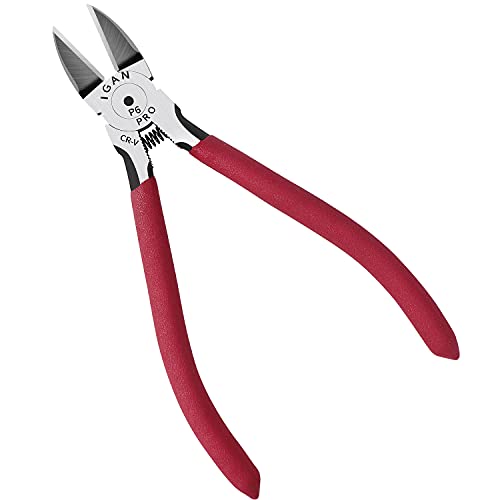
BOENFU Wire Cutters Heavy Duty Snips Flush Cut Side Cutters Pliers
$7.99 Check pricePrices change often - PEASUG
Deburring Tool with 12 HSS Blades for Metal Resin PVC 3D Print
$9.99 Check pricePrices change often - KLEIN TOOLS
Klein Tools D275-5 Diagonal Flush Cutting Pliers, 5-Inch
$12.97 Check pricePrices change often - SARABURU
Deburring Tool 3D Printing for Resin PLA with Flush Cutters
$14.99 Check pricePrices change often


Common questions
Why do my parts come out undersized?
Thermoplastics contract as they cool from melt temperature to room temperature, and the higher the printing temperature the more they contract. PLA shrinks a few tenths of a percent and is often ignorable, while ABS, ASA and nylon shrink enough that a 100 mm part can land nearly a millimetre small. Holes behave differently again and usually print undersized for a separate reason.
Should I scale the model or adjust the slicer?
For a one off, scaling the model in the slicer is quickest. For a part you print repeatedly, build the compensation into the CAD model so the file is correct on any machine, and keep the slicer at 100 percent. Mixing both is how you end up with a part that is compensated twice.
Does this apply to holes as well?
Not directly, and this is the most common source of confusion. Holes print undersized mostly because of the polygonal approximation of a circle and because the extruded line pushes inward on a concave curve, not because of thermal shrinkage. The usual fix is a horizontal expansion or hole compensation setting in the slicer rather than a scale factor.
Why does the same material shrink differently on two printers?
Chamber temperature is the biggest reason. A part printed in a warm enclosed chamber cools more slowly and from a smaller temperature difference, so it shrinks less than the same file printed in a cold room on an open machine. That is also why the typical figures here are a starting point and a measured part from your own machine is worth more.