Engraving 100 by 100 mm at 200 DPI
Quick answer
A 100 by 100 mm engraving at 200 DPI takes roughly 15 min at 6000 mm/min. That is 787 scan lines at a 0.127 mm interval, and the head covers about 90.6 metres.
The scan geometry is exact. The overscan allowance for acceleration at the end of each line is a convention.
| Speed | Time | Head travel |
|---|---|---|
| 2000 mm/min | 45 min | 90.6 m |
| 3000 mm/min | 30 min | 90.6 m |
| 4000 mm/min | 23 min | 90.6 m |
| 6000 mm/min | 15 min | 90.6 m |
| 8000 mm/min | 11 min | 90.6 m |
| 12000 mm/min | 8 min | 90.6 m |
Why resolution costs time so directly
Raster engraving works in horizontal scan lines, and the resolution setting decides how many of them there are. At 200 DPI the lines sit 0.127 mm apart, so covering 100 mm of height takes 787 passes across the full 100 mm width. Time scales exactly with the line count, which means doubling the DPI doubles the job.
This is the single easiest place to waste hours. On wood and leather the beam spot is often wider than the line spacing above about 300 DPI, so the extra lines overlap and add nothing visible while doubling the duration. Engraving a test strip at two or three resolutions is usually the fastest route to the right setting.
Getting the time down
Rotating the design is free and often effective. A wide, short layout has fewer and longer scan lines than the same artwork turned on its side, so proportionally less of the job is spent accelerating and decelerating at the ends of lines. On a tall narrow design the saving can be substantial.
Beyond that, the levers are resolution and speed. Cropping the artwork so the bounding box is tight matters too, because most controllers scan the whole bounding box whether or not there is anything in it, so a large empty margin is paid for in full.
Engravers and blanks
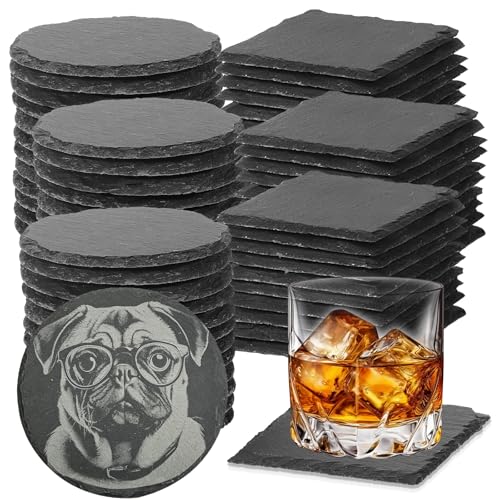
- GOH DODD
24 PCS Slate Coasters for Laser Engraving, Natural Stone Drink Coaster Bulk
$24.99 Check pricePrices change often - VIBRATITE
VIBRATITE 60 Pack 4 Inch Square Black Slate Drink Coasters
$43.99 Check pricePrices change often




Common questions
Is 200 DPI right for this job?
It is on the coarse side, which suits wood, plywood and leather where the grain hides fine detail anyway and the speed saving is large. Engrave a small test strip at two resolutions and compare before committing to a long job.
Why does my engraving take longer than this?
Acceleration at the end of each scan line is the usual reason, and it hurts most on narrow tall designs where the head spends much of its travel speeding up and slowing down rather than running at full speed. The overscan allowance here covers a typical case, but an extreme aspect ratio can add half again to the total.
Does the material change the time?
Not the scanning time, which is pure geometry and identical on any material. What the material changes is whether you can use the speed at all, since a slower material may need a second pass or a lower speed to mark properly, and that does change the total. Set the speed from a test on the actual stock.
Can I engrave faster by increasing power?
Power does not change the scanning time, because the head still has to cover the same distance. It matters indirectly: too little power forces a second pass and doubles the job, while too much scorches the surface and costs you sanding time afterwards. Dial the power in on scrap before starting.